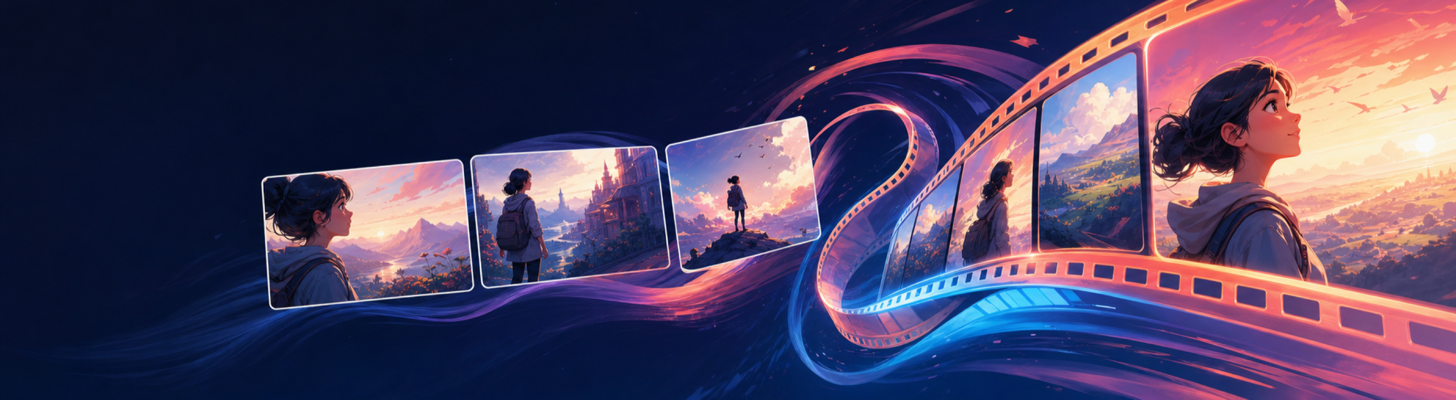
Moving from an evocative still image to a usable story video is not simply a matter of adding motion. Video makes continuity more visible: a costume shift, a changing environment or a camera move with no dramatic reason can break the audience’s attention immediately. It also exposes performance drift: the same face can suddenly acquire different timing, physical confidence or emotional accessibility. Character, Actor and Performance explains why visual identity alone is not character continuity.
Start with a Sequence, Not a Collection of Clips
Define the sequence objective and scene turns first. Then choose the shots that make those turns readable. Generated video can extend a planned visual language; it cannot supply one after the fact.
For each shot, carry forward:
- the scene brief and beat purpose;
- the character and location context cards;
- camera position, movement and duration;
- lighting and atmosphere; and
- the exact change that should occur within the frame.
Use Anchor Frames Carefully
An anchor frame establishes the look of a moment. It should already satisfy the visual continuity checks: the right character, setting, props, time and emotional state. If the anchor is ambiguous, later motion only multiplies the ambiguity.
Make one approved frame per important shot, then treat it as a reference rather than generating a dozen unrelated variations. This creates a practical chain from scene brief to shot list to visual asset to video clip.
Review Motion as Narrative
After generation, ask more than whether the clip is technically smooth. Does the movement reveal information, change power, or heighten the intended emotion? If it does none of these things, a still image may serve the story better.
The public Saganode roadmap connects frames to video within sequence plans. The creative principle is tool-independent: motion should be the next expression of a planned scene, not an isolated novelty.
Design Motion Before You Generate It
For every clip, write one sentence that describes the primary change: “The camera slowly pushes toward Mara as the relay lights fail behind her.” This is clearer than asking for a dramatic cinematic video. It names the camera movement, the subject, the event and the direction of attention.
Keep the action small. A short clip rarely needs a character to run, turn, gesture, speak, transform and reveal a new location at once. Choose one meaningful movement, then let editing connect several short clips into a larger sequence.
Build from a Locked First Frame
An approved starting frame should already contain the right character, wardrobe, setting, lighting and composition. Review it at full size before using it as an animation reference. Problems with hands, faces, props or perspective often become more obvious once motion is added.
Write down what must stay stable during the clip and what may move. For example:
- Stable: Mara’s face, blue weather cloak, brass relay, dawn lighting and harbour architecture.
- Moving: the relay lights flicker, wind moves the cloak, the camera makes a slow push-in.
This distinction gives the video prompt a coherent job. It also makes later clips easier to match.
Plan the Edit Across Clips
Before generating a series, identify the cut points. One clip may establish the setting, the next may reveal the sabotage, and a third may hold the character’s reaction. Assign each clip a beginning and end state so the edit has a logical rhythm.
Avoid treating every clip as a self-contained spectacle. Repeated wide reveals and dramatic camera moves can make a sequence feel like a trailer rather than a scene. Vary shot scale and movement according to the emotional beat.
Video Review Checklist
- Does the opening frame match the approved visual context?
- Is there one clear subject action or camera movement?
- Does motion reveal information or change emotion?
- Are character and location details stable from clip to clip?
- Does the cut lead naturally into the next planned shot?
When these checks are built into the workflow, video generation becomes a controlled extension of storytelling rather than a source of visual drift.
Keep a Clip Continuity Sheet
For every approved clip, record its source frame, shot purpose, duration, stable details, intended movement and the frame or shot that follows it. This can be a small table rather than a production database. Its purpose is to make matching shots deliberate when you return to the project days or weeks later.
If a clip fails, preserve the reason: character drift, unwanted camera motion, weak action or a mismatch at the cut. Those notes improve the next generation much more than repeatedly trying the same prompt with slightly different adjectives.
Review a Rough Cut Against the Sequence
Place approved clips in sequence before trying to perfect every one. A clip that feels slow in isolation may provide the breath a revelation needs; a beautiful movement may become distracting when it sits between two already energetic shots. Watch the rough cut with the scene objective beside you and note where attention, information or emotion drops.
Revise the shot purpose before regenerating. You may need a simpler bridge, a clearer reaction or a held image rather than a more elaborate animation. This keeps video decisions connected to story rhythm instead of treating motion as an independent visual effect.