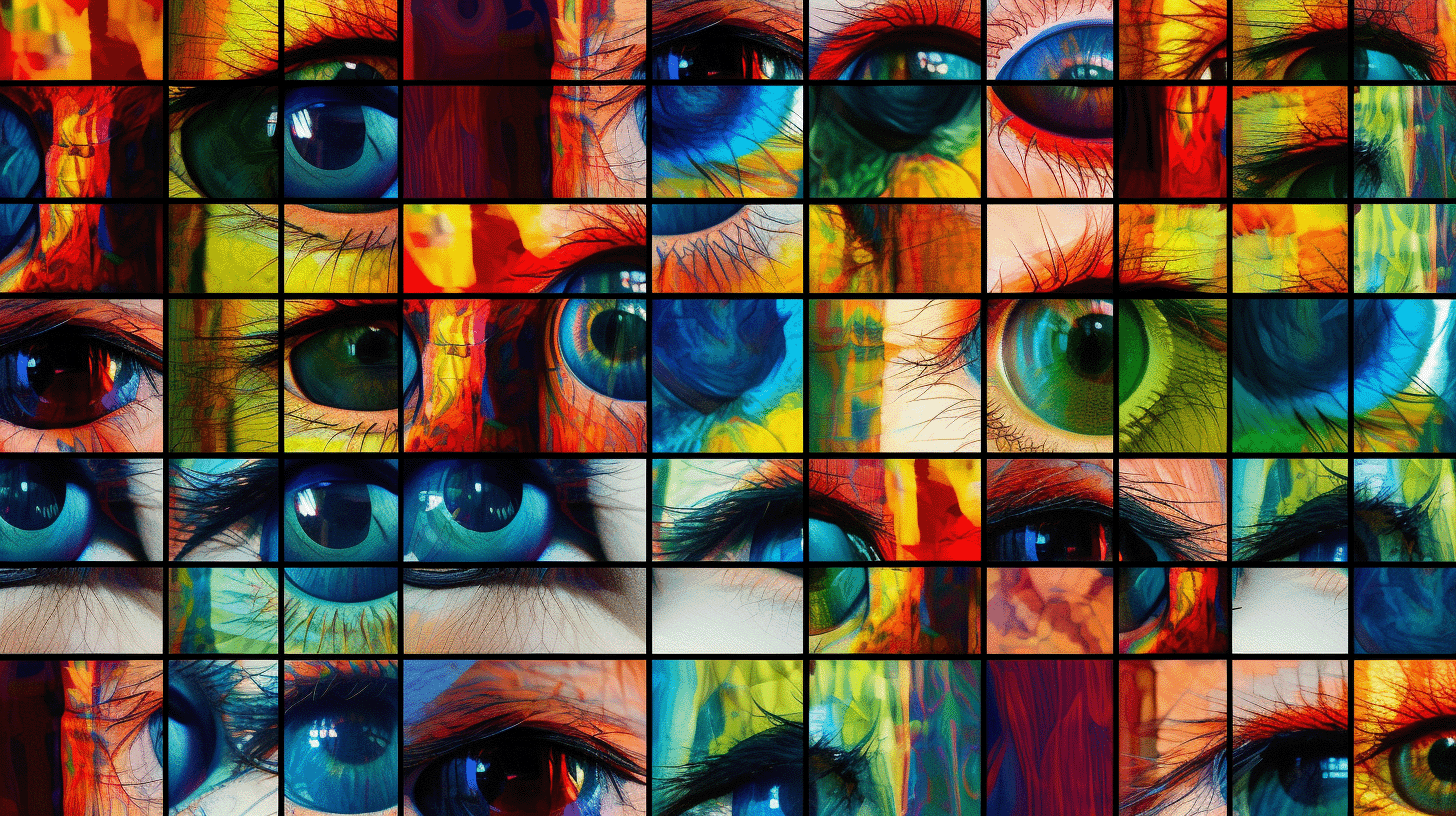
Entropy is a notion that quantifies a dataset’s level of disorder or unpredictability.
Entropy is frequently employed in the context of photographs to analyze the complexity or richness of the information contained inside.
This post will also talk about how picture entropy can be used in the real world, such as to measure the quality of generative AI and give step-by-step instructions on calculating it with popular Python tools.
High entropy images have a wide range of pixel values and features, whereas low entropy images are more uniform and straightforward. This post will show you how to use Python code to calculate entropy in photos.
This post will also talk about how picture entropy can be used in the real world, such as to measure the quality of generative AI and give step-by-step instructions on calculating it with popular Python tools.
What is entropy?
Entropy measures the level of uncertainty or randomness in a dataset. In information theory, entropy is often associated with the average amount of information needed to encode a message or data set.
Entropy in image processing?
Entropy measures an image’s information content used in image processing. A high entropy number denotes a complex image with a wide range of pixel values, whereas a low entropy value denotes a more straightforward, uniform image.
Entropy can describe image complexity and help identify informative regions. It is not a standalone perceptual-quality score: noise, compression artifacts and unwanted texture can all increase entropy.
Practical Applications of Image Entropy
Image compression
Picture entropy is a valuable statistic in the field of image compression. Compression algorithms can determine the optimal way to compress a picture without losing too much information by analyzing the entropy of a picture.
Image segmentation
Image entropy can also identify regions with high information content in image segmentation tasks. Segmentation algorithms can enhance their accuracy and efficiency by focusing on the most informative portions of a picture.
Image quality assessment
Entropy can contribute to image analysis because detailed images often have a broader intensity distribution. However, greater entropy does not necessarily mean greater quality. White noise has high entropy and little useful structure; a deliberately minimal illustration may have low entropy and excellent quality.
Interpret entropy relative to comparable images, identical preprocessing and a specific task.
Feature extraction
Picture entropy can be used to identify locations with high information richness that can be targeted for feature extraction. Focusing on images’ most informative regions can improve feature extraction algorithms’ performance.
Entropy Examples / Interpretation of Entropy for Visual Storytelling
With the help of entropy you can measure image complexity. If you have for example 5 different but very similar images, you could use entropy to select the most complex image.
Images with low entropy are usually more minimalistic. Sometimes your visual storytelling will profit from minimalistic images.
However the entropy is a also a quality measurement of the AI itself. Midjourney v3 for example had a higher level of entropy, mainly because their AI model was not refined yet.
Python Libraries for Image Entropy Calculation
NumPy
NumPy is a popular Python library for numerical computing. It provides various mathematical functions and data structures, making it an excellent choice for image-processing tasks.
OpenCV
OpenCV is a powerful open-source computer vision library with numerous image-processing functions. It can read, write, and manipulate images in various formats, making it an ideal choice for entropy calculation.
SciPy
SciPy is a Python scientific computing package based on NumPy. It adds image processing capability, such as functions for computing histograms and entropy.
Pillow
Pillow, also known as the Python Imaging Library (PIL) fork, is a user-friendly library allowing image processing operations in Python. It’s a popular choice for image-related activities like entropy calculation because of its complete range of image-editing functions.
Calculating Image Entropy with Python
For grayscale levels with probabilities p(i), Shannon entropy is:
H = -Σ p(i) log2 p(i)
The histogram binning, color conversion, crop and bit depth all affect the value. Keep them fixed when comparing images.
Importing libraries
Initially, we must import the libraries required for this task. NumPy, OpenCV, and SciPy will be used in this example.
import numpy as np
import cv2
from scipy.stats import entropy
Loading an image
The image to be analyzed is then loaded. To read the picture file, we’ll utilize OpenCV’s imread function.
image_path = 'path/to/your/image.jpg'
image = cv2.imread(image_path)
Converting the image to grayscale
Because entropy calculation is based on pixel intensity distribution, we will transform the input image to grayscale using OpenCV’s cvtColor function.
gray_image = cv2.cvtColor(image, cv2.COLOR_BGR2GRAY)Computing the histogram
To calculate the entropy, we need to compute the histogram of the grayscale image. This can be done using the NumPy histogram function.
_bins = 256

hist, _ = np.histogram(gray_image.ravel(), bins=_bins, range=(0, 256))
Calculating the entropy
Now that we have the histogram, we can use the SciPy entropy function to calculate the entropy. We first normalize the histogram to obtain a probability distribution and then give it to the entropy function.
prob_dist = hist / hist.sum()
image_entropy = entropy(prob_dist, base=2)
print(f"Image Entropy {image_entropy}")
Visualizing the histogram
plot.hist(hist, density=1, bins=_bins)

plot.show()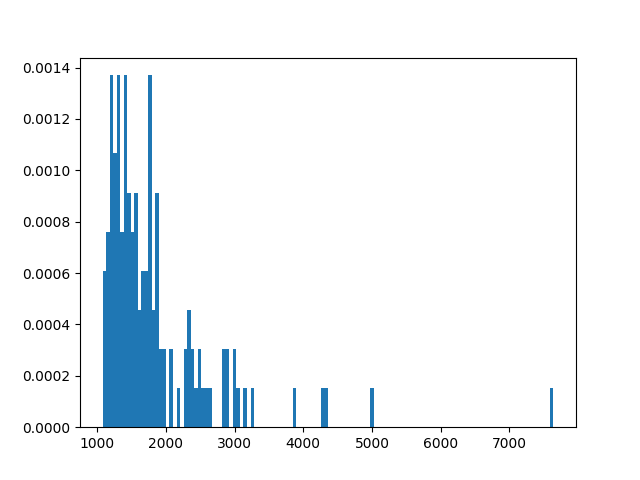
Conclusions
Entropy Is a Signal, Not a Quality Grade
High entropy can mean texture, detail or noise; low entropy can mean a clean graphic, blur or an empty scene. Compare entropy only across images with the same intended visual role and pair it with a visual review, sharpness measurement and prompt adherence. This makes the metric useful for diagnosis rather than a misleading single-number ranking.
The notion of entropy in image processing and its practical applications are discussed in this article. We’ve also included a step-by-step tutorial on measuring entropy in photos with Python and popular image-processing packages.
By understanding and using image entropy, you can measure a picture’s complexity and find the best way to do image processing tasks like compression, segmentation, quality assessment, and feature extraction.
Entropy can help compare complexity within a controlled set of generated images, but it should be combined with perceptual, artifact, prompt-alignment and human-review signals before selecting a production image.