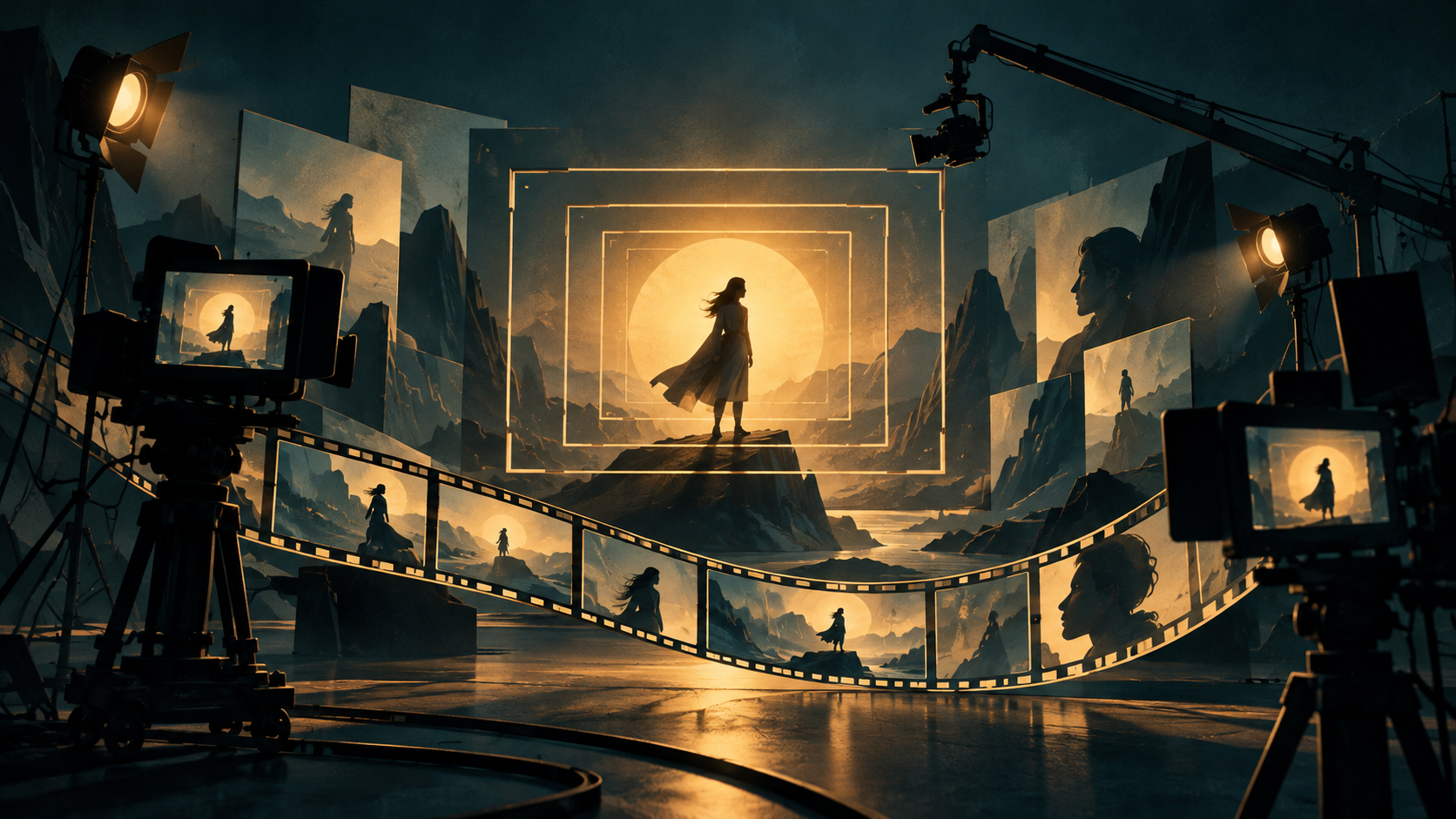
A camera prompt is most useful when it answers a storytelling question before it names a style. Shot size controls intimacy; angle controls status; movement controls attention. Together they decide what the viewer is allowed to know.
Start with the audience relationship
Use an extreme long shot when the world is the point, a medium shot when action and gesture matter, and a close-up when a decision has emotional cost. Then select an angle: eye level invites equality, a low angle adds force, and a high angle creates vulnerability. These are production choices, not decorative adjectives.
Turn the decision into a prompt
Write the scene in layers: subject + action + shot size + angle + environment + light. For example: “A courier pauses at a flooded station, medium long shot, low camera angle, rain reflecting neon, restrained blue-hour light.” Keep the visual variables stable when testing alternatives; change only the framing when you want to learn its effect.
The camera-angle prompt library is the place for reusable formulas. The shot-size glossary is the place to check terminology. Link the two in your own workflow: one page helps choose the grammar, the other helps choose the narrative effect.
A simple continuity rule
Do not let every generated image choose a new lens, height and distance. Define a scene baseline, then make one deliberate exception at the emotional turning point. That is how a collection of attractive images becomes visual storytelling.